1) Clear navigation
Get directions on a bigger screen with simple prompts, better for quick glances.

Android Auto helps drivers use smartphone features more safely by connecting the phone to the car’s display. It offers a simple interface that supports convenience and easy access with minimal distraction.
Download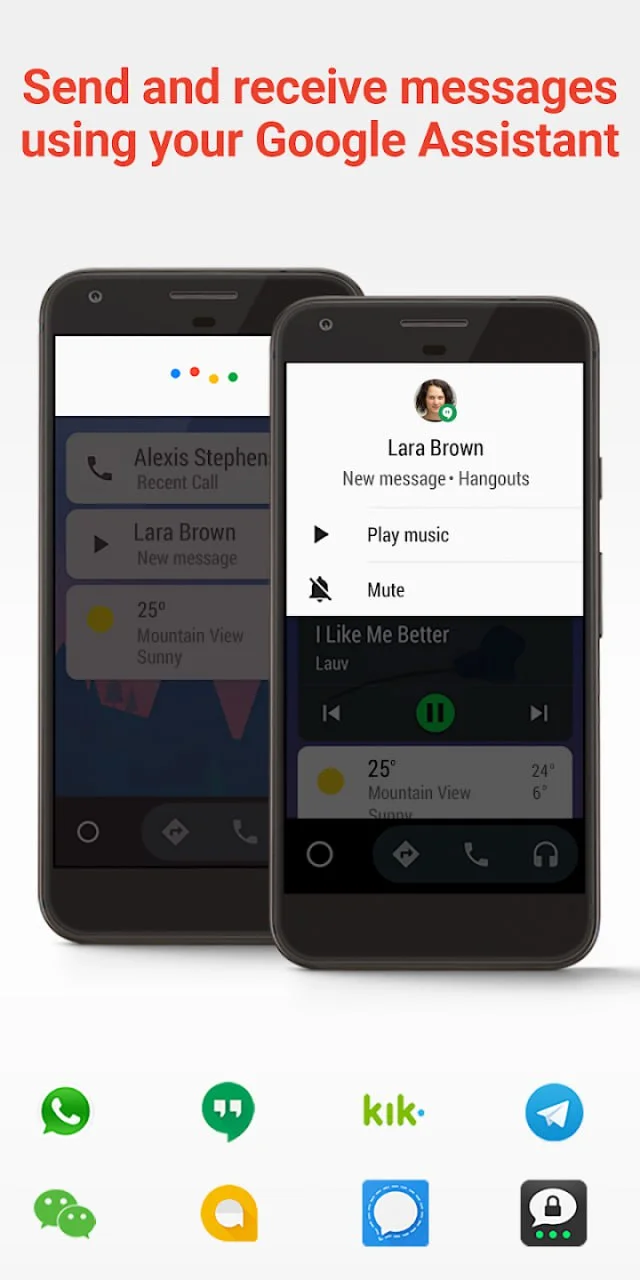
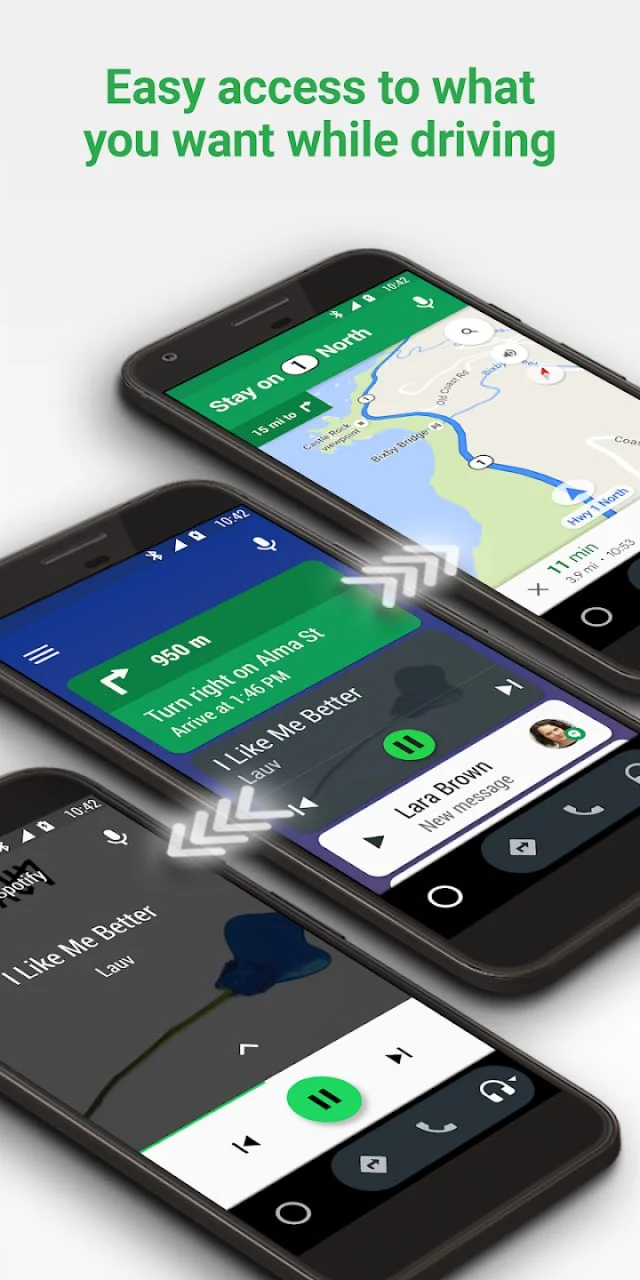
Get directions on a bigger screen with simple prompts, better for quick glances.
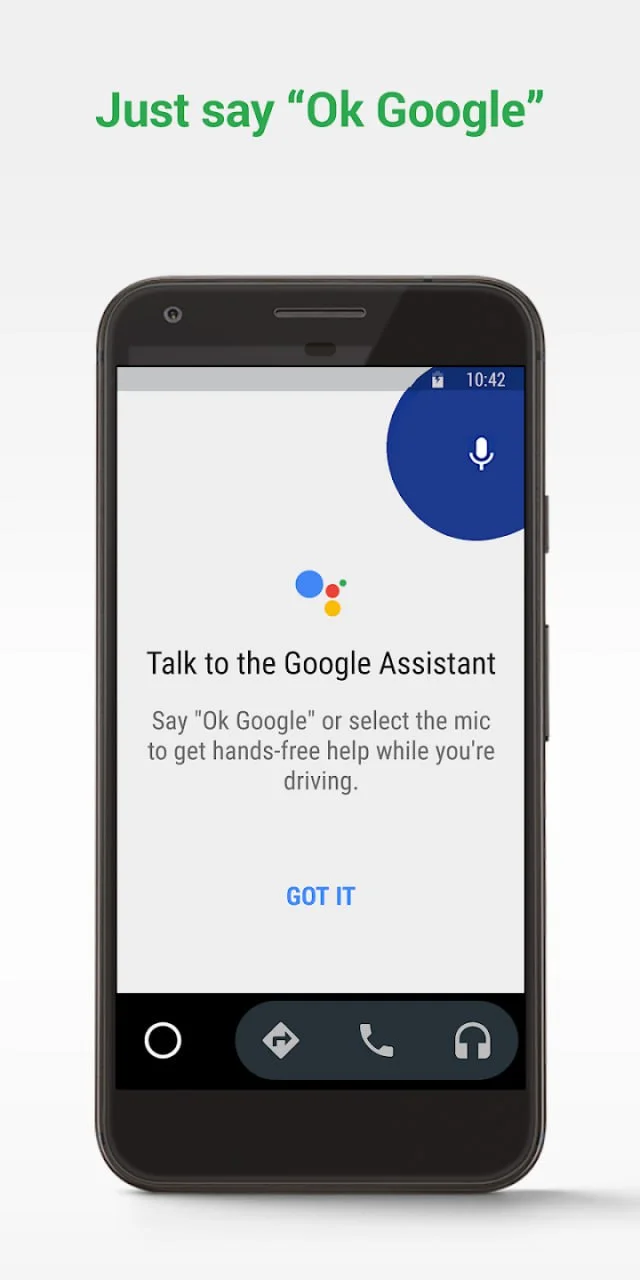
Ask to call, send a message, or play music without tapping through menus.
One clean player for your favorite apps, with big controls you can use safely.
Only the important stuff shows up. Less noise, less distraction.
If your car supports Android Auto, setup is usually quick and straightforward.
Designed for driving: large UI, simple layout, and minimal steps.